Posts

Showing posts with the label Roku Streaming Stick

How to Fix - Error 400 1 on Disney App in Roku

If you have kids, then Disney Channels on TV are must-haves. Be it a stuck-in summer day or the hour before bed, an episode of “Mickey Mouse Clubhouse does wonders.” This requires Comcast account authorization. Cord-cutters with Roku services can add Disney channels to their account. One downside of this is that the channel stops working suddenly and gives the 400-1 unauthorized error . The Disney channel resembles a promotional channel displaying its latest music videos or movies. The user can activate the channel with the Roku activation link. Some of the channels with the Disney group are the Music videos, Music Stars, Behind the Scenes, Characters, and Funny Stuff. The widely followed fix is to sign out and then sign back in. Though simple, this troubleshooting method becomes annoying over time. There are no clear technical solutions to resolve this issue. The below suggestions can be tried in a trial and error basis for resolving this issue. Turn on the streaming dev...

Roku Showing Error Code 014.40 | Incorrect Password for the Wireless Network!

Did you know that there are some channels and games on the Roku player that can be streamed without internet? But you definitely have to connect it to the internet for the initial setup. Clearly, there’s no escaping from internet connection when you’re using a Roku player. Connecting this device to your home network is almost the same as connecting to a smartphone. Easy-Breezy! All that you need to know are the network’s name and password in order to gain your router’s access. If you happened to encounter the error code 014.40 while trying to connect the device to a wireless network, it probably indicates that you’ve entered the incorrect password. Clear this error as follows : Note down the correct network name and password of the router. If in doubt, access the router account on your computer with its IP address. (You can find the IP address on the router itself) Now, turn on the Roku device. Head to Settings > Network > Wireless > Set up new Wi-Fi connec...

Roku Device Detects Slow Internet Speed & Shows Error Code 018 - SOLVED

Image

How to Fix Roku Error Code 005 #Solution

Image
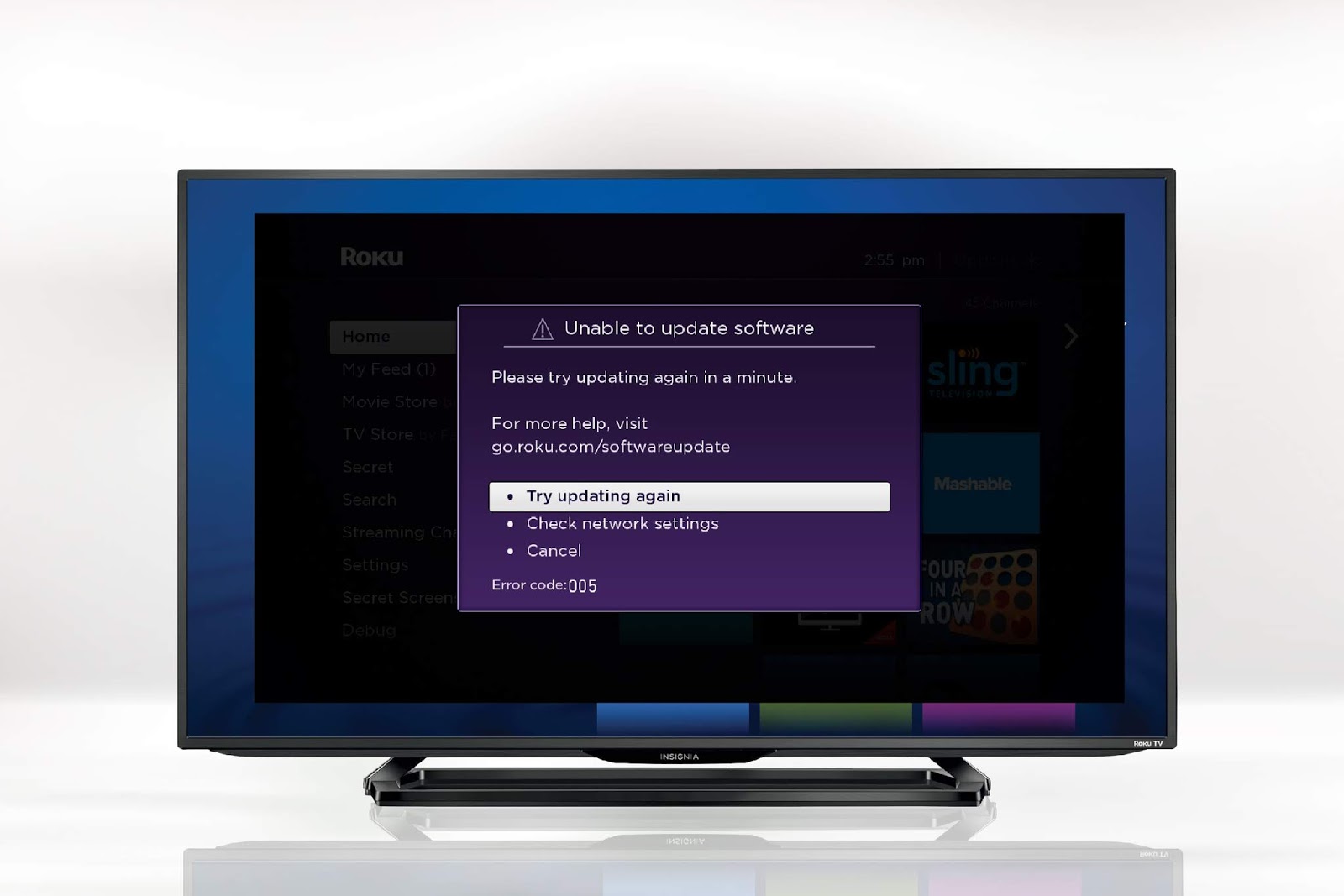
Roku device displays update notifications regularly. Sometimes, upon agreeing to the update, the screen shows no progress. And, you’ll be displayed the message: “ The software update server could not be reached. There may be a problem with your network.” The error code 005 is stated. In an effort to fix this error , you would have checked your wireless network strength and reset the Roku device several times. But the progress bar wouldn’t budge. The trouble began when you clicked OK on the update notification window. But you’re probably here because it’s been already done, and you are looking for a way to clear this mess. Below given are some of the tried and true methods by which the error code 005 is said to have been fixed. If you’ve already agreed to the update, the error screen must be on the device. In that case, unplug the Roku device and plug it back into the TV to reboot it. The update notification screen appears again. Get hold of the Roku remote. Press th...

[Solution] Roku Error Code 003 | How to Fix | Troubleshoot

Image
Roku Express , Roku Ultra , Roku Streaming Stick , and Roku Premiere are streaming players which allow users to watch and enjoy numerous channels. In addition to the conventional channels, you'll have access to many other quality content at no extra cost. They offer endless entertainment with the best in-built features to stream and watch live TV. These streaming devices run with the latest software . Upon installation of Roku, the device begins updating itself to the most recent version of the software. It is necessary to run software updates as and when a new version is available. The Error Code 003 flashes when the device is unable to update software even when it is connected to the internet. Causes of Roku Error Code 003 Might be an issue with the network security protocols. Roku has been found to be incompatible with AES protocol. Might be server problems at the backend. Outdated device software. Solutions : Ensure you have a steady internet connection...