How to Fix Roku Error Code 005 #Solution
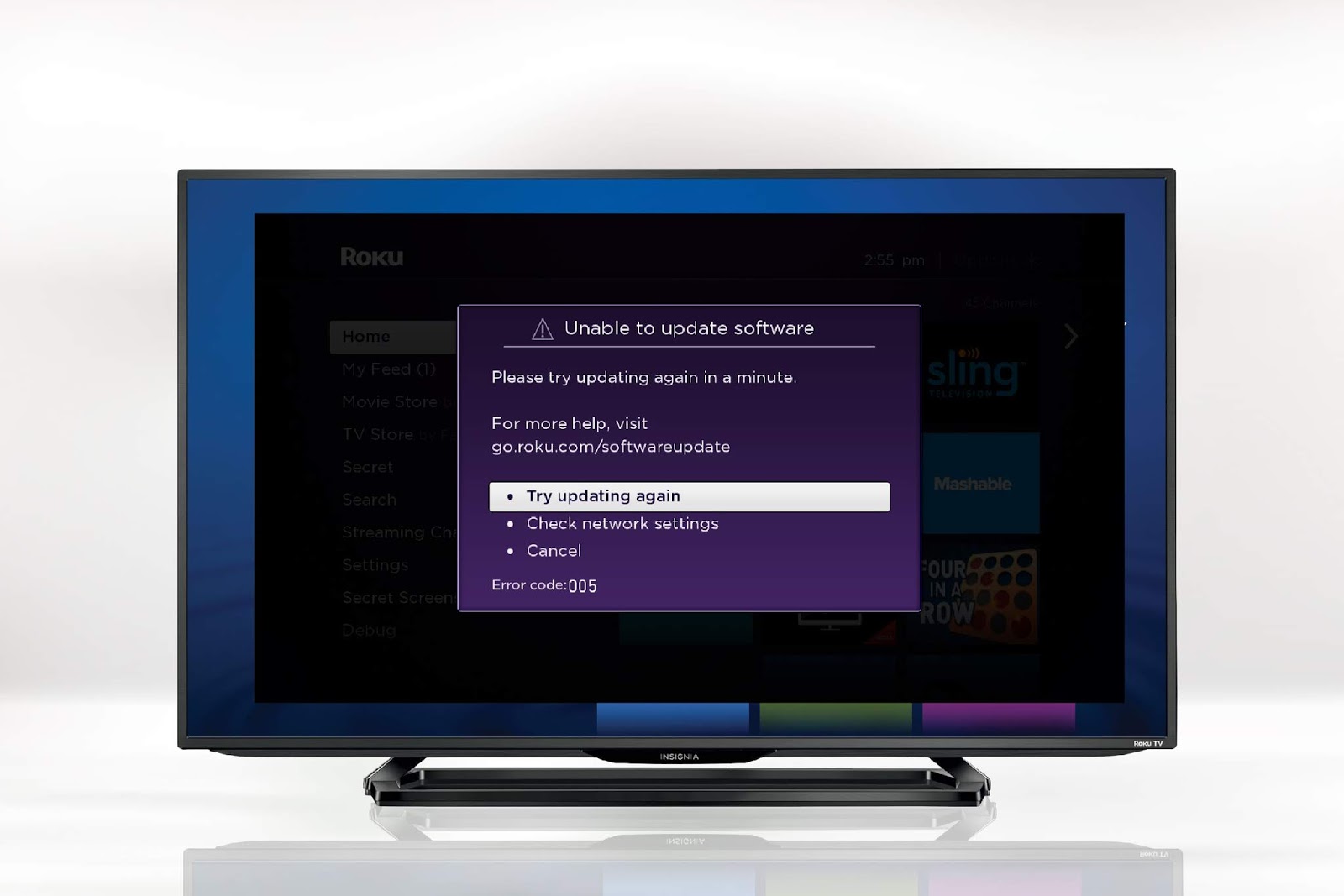
Roku device displays update notifications regularly. Sometimes, upon agreeing to the update, the screen shows no progress. And, you’ll be displayed the message: “ The software update server could not be reached. There may be a problem with your network.” The error code 005 is stated. In an effort to fix this error , you would have checked your wireless network strength and reset the Roku device several times. But the progress bar wouldn’t budge. The trouble began when you clicked OK on the update notification window. But you’re probably here because it’s been already done, and you are looking for a way to clear this mess. Below given are some of the tried and true methods by which the error code 005 is said to have been fixed. If you’ve already agreed to the update, the error screen must be on the device. In that case, unplug the Roku device and plug it back into the TV to reboot it. The update notification screen appears again. Get hold of the Roku remote. Press th...